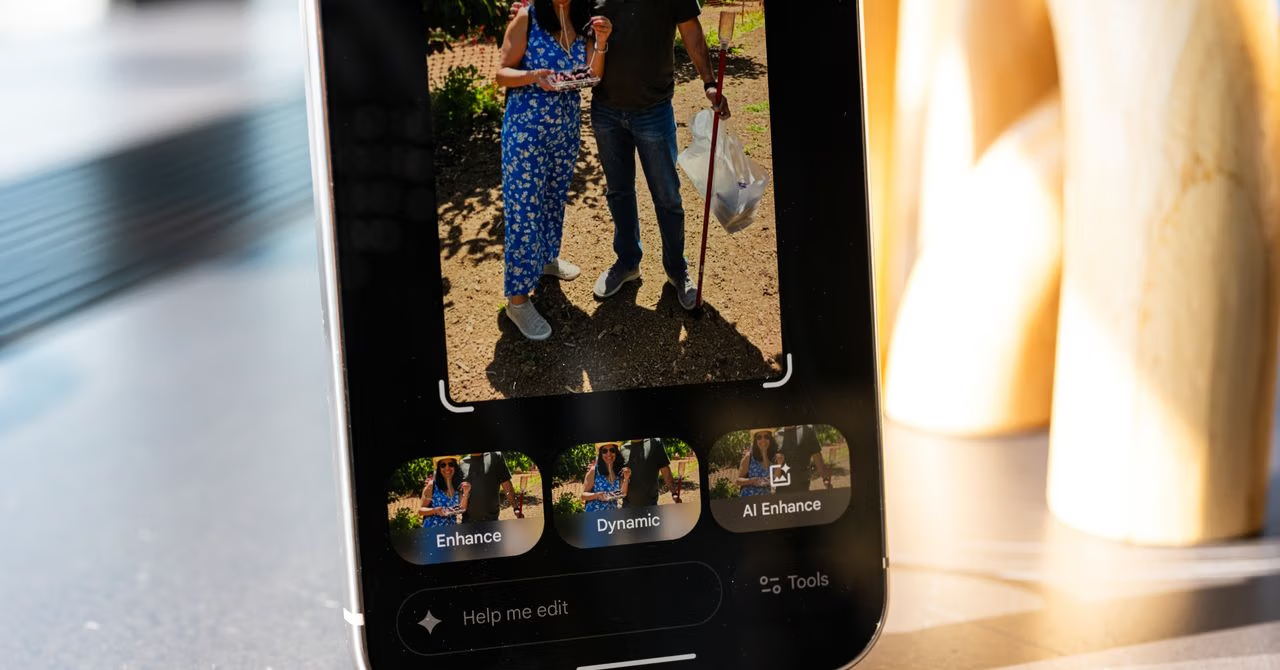
Let’s be honest. We all have that one photo we love, but it’s almost perfect. The sunset is a little washed out, a random stranger photobombed the background, or you wish the focus was just a little tighter on your smiling friend. For most of us, fixing it means diving into a maze of sliders and menus labeled “Clarity,” “Vibrance,” and “Dehaze”—terms that feel like they require a graphic design degree to fully understand. We fiddle for a bit, make things look vaguely worse, and give up.
What if, instead, you could just ask your phone to fix it?
That’s the deceptively simple, yet profoundly revolutionary, idea behind Google’s new experimental editor in Google Photos. Forget the complex interface. The new tool is a chatbot for your pictures. You can literally type or say, “Make the background blurry,” “Remove the people on the beach,” or “Make the sky look more dramatic.”
And that’s where things get interesting. This isn’t just another “AI magic” feature. It’s a fundamental shift in how we interact with creative tools, and it’s the rare AI application that feels less like a gimmick and more like a genuinely useful assistant.
The Real Breakthrough: AI That’s Actually Helpful
For the past few years, AI has been loud. It generates surreal art, writes questionable poetry, and powers chatbots that can ace a history exam. While impressive, many of these features feel like novelties—solutions in search of a problem for the average person. We don’t all need to generate a photorealistic image of an astronaut riding a horse, but we all have photos we want to improve.
Google’s conversational editor bridges that gap. It takes the powerful, complex technology that powers features like Magic Eraser and puts it behind the most intuitive interface possible: human language.
The key takeaway isn’t just that you can issue a command. It’s that you can have a back-and-forth. After you ask it to blur the background, you can follow up with, “Okay, a little more blurry.” Then, “Now make the colors on my jacket pop.” This iterative process mirrors how you’d work with a human artist—a gentle push and pull until the image matches the vision in your head. It’s a world away from the frustrating guesswork of adjusting a saturation slider by 5%.
What This Means for the Future: The Language User Interface
For decades, we’ve learned to speak the language of computers. We learned to click icons, navigate file trees, and master keyboard shortcuts. The conversational photo editor is a powerful signal that this dynamic is flipping. Soon, computers will be expected to speak our language.
This is the dawn of the Language User Interface (LUI).
Think beyond photos. Imagine applying this to other complex software:
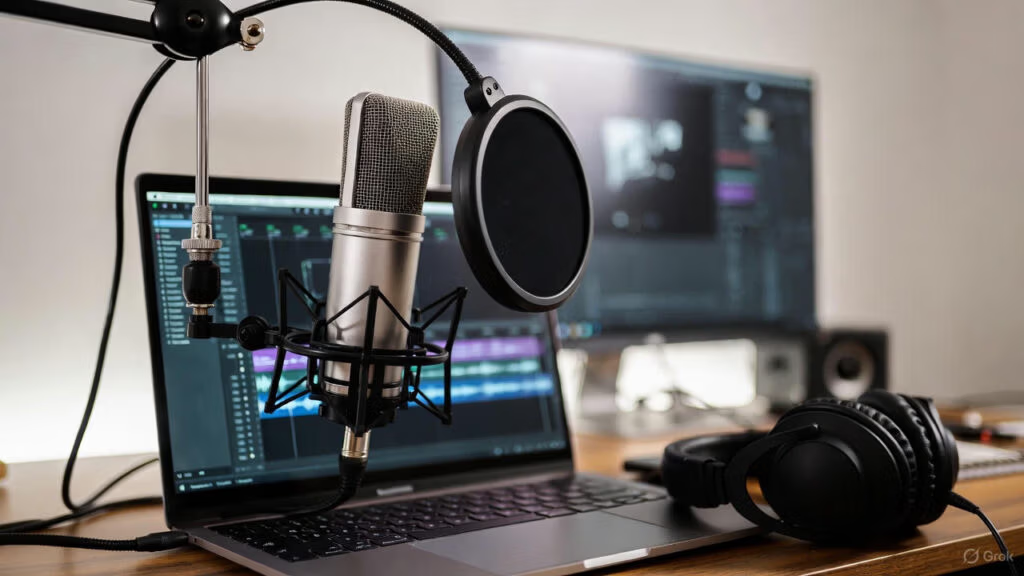
- Video Editing: “Cut out the part where I stumble and trim the silence at the beginning. Add some upbeat, royalty-free music.”
- Document Design: “Make this report look more professional. Use a two-column layout for the second page and make the headings stand out.”
- Spreadsheets: “Show me the quarterly sales trends for the West region in a bar chart and highlight any month that was below average.”
Google’s move isn’t just about making photo editing easier. It’s a proof of concept for a future where powerful software becomes accessible to everyone, not just the experts who’ve invested hours learning its arcane commands. It’s about lowering the barrier to creativity and productivity, letting us focus on our ideas rather than the tools needed to execute them.
This new photo editor may start as an experiment for Google One subscribers, but its success could herald the most significant shift in user interface design since the invention of the mouse. It’s a future where your best creative partner is a good conversationalist.
Read the original story at Wired.
What creative possibilities do you envision with a truly conversational user interface for your favorite tools?